AI Meeting Notes Apps in 2026: Worth It, and the Privacy Catch Nobody Mentions
The short version: Yes, AI meeting notes apps save real time — transcripts, summaries and action items that don't need your hands. But 2025–2026 has been the year of the privacy reckoning: Otter faced a class action over recording private conversations, and Granola shipped a one-click account takeover (with webcam access) that a security researcher found in July 2026. The verdict isn't "don't use them" — it's pick the right camp by how sensitive your meetings are. Cloud giants for convenience, local/self-hosted tools if your calls contain anything you wouldn't want on a server you don't control.
The value is real: nobody argues with the time saved
Across the threads we read, nobody disputes the core promise. Transcription alone already paid for these apps; summarization and action items are the bonus. Even in the Otter lawsuit thread — the most hostile environment for a note-taker — the argument isn't "this tool is useless", it's "this tool records things it shouldn't". The useful core is treated as settled:
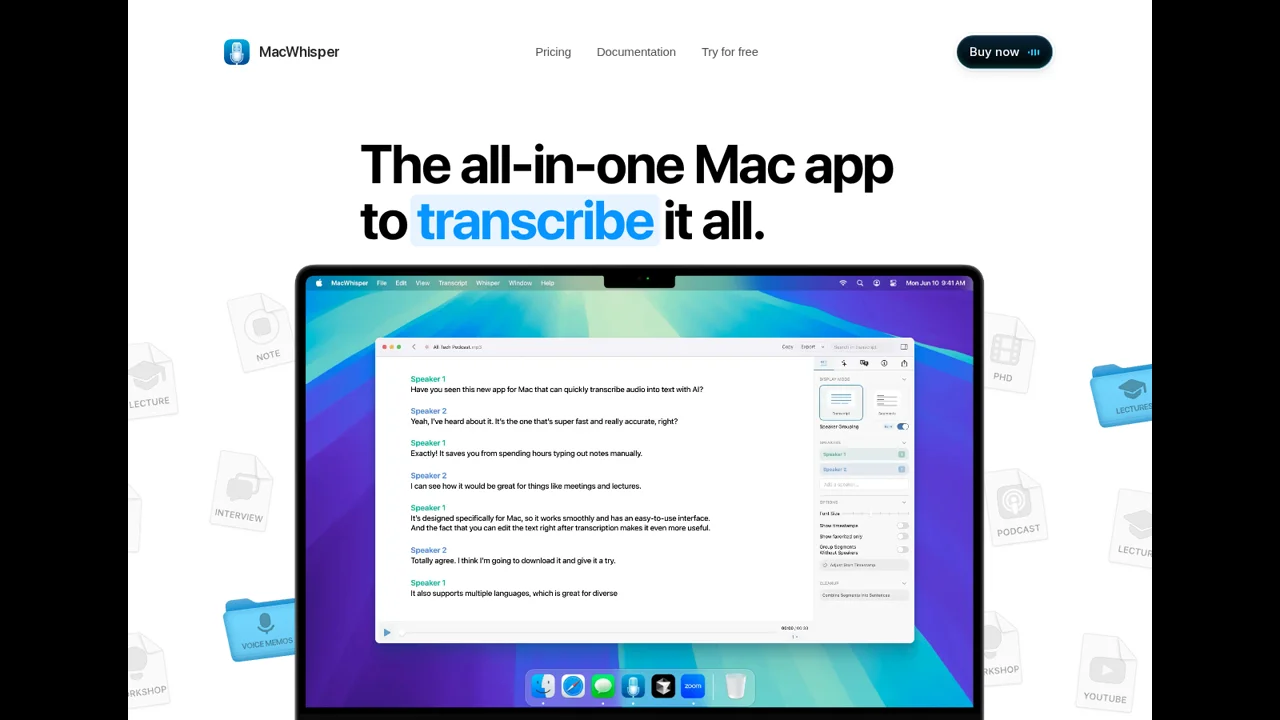
"I found MacWhisper to be great. I built and used my own solution for a couple of years before settling on MacWhisper."
The interesting part is that even in a "what do I use?" thread, the answers skew local — MacWhisper, self-built daemons, on-device tools. The cloud apps have name recognition; the community's default answer has quietly shifted to local.
The catch: what actually went wrong in 2025–2026
Three incidents frame the decision more than any feature list:
1. Otter.ai and the private-meeting recordings. A class-action suit (August 2025) claims Otter records private work conversations without consent. The HN thread around it surfaced the concrete failure that makes people uncomfortable — not a hack, just a bot that never stops:
"Otter kept recording after he left and the VCs stayed on the call chatting (for hours, according to the thread's reading of the original report), then shared a transcription including 'intimate, confidential details' about a business dispute."
"I had a conversation with a lawyer who had invited OtterAI to our confidential meeting. I was gobsmacked… my impression was that they retain your data in the cloud."
2. Granola's one-click takeover. July 2026: a researcher found an account takeover in Granola AI Notetaker — one click, including webcam access. The write-ups got ~28 points and the fixes came fast, but it's a sharp reminder: these apps sit inside your calls and your desktop. Attack surface matters.
3. The platform creep. Commenters pointed out this isn't just third-party apps anymore — Android's Magic Cue, Windows Recall, and "accidentally enabled" recording features are one dark-pattern update away from being on by default. The trust question isn't per-vendor anymore; it's structural.
So what's actually good in each camp
Grand / cloud camp (Otter, Granola, Fireflies, Notion AI): smoothest experience, best meeting-bot integration, searchable archive in the cloud, works from any device. Best when you accept the trade and meetings are mostly non-sensitive standups.
Local / self-hosted camp (MacWhisper, Ghostmeet, Ownscribe, Listnr, Ghost Pepper Meet): no cloud retention, no bot joining your call, transcripts live on your machine. The on-device speaker-ID is still the hard part — one builder in the Ask HN thread put it plainly:
"Speaker identification is a huge trick to do on device. I've masked by sentence and capture embeddings within that mask."
Translation: local tools are good at "what was said" and only recently getting good at "who said what". If you need clean speaker attribution, the cloud apps still win there.
If you install one of these, do this much:
- Tell people the meeting is being transcribed — it's the consent story that actually gets companies sued.
- Check the data-retention setting. "Retain in cloud indefinitely" is the default on several big apps.
- Turn recording off when the meeting "ends" but the call doesn't (the literal Otter incident).
- For anything confidential: local tool, or no tool.
The honest verdict
Use a cloud app (Otter / Granola / Fireflies) if:
Your meetings are routine and non-sensitive, you need speaker attribution today, and a searchable archive beats privacy anxiety. Announce the bot, use the onboarding checklist above, move on with your life.
Use a local or self-hosted tool (MacWhisper / Ghostmeet / Ownscribe) if:
Your calls contain client names, numbers, strategy, anything HR-adjacent — or you simply don't want a third party holding your speech forever. You'll give up the smoothest bot-integration; you get the thing money can't buy back: the recording never leaves your machine.
Skip both if:
You're in regulated industries with strict recording rules (medical, legal, finance) and no compliance review in place. The tools are good enough to get a compliance officer's attention — that's a feature, figure it out before you use it.
Try a local option (MacWhisper) →
Method: 59 comments read across four Hacker News threads (Otter class action Aug 2025, Granola account takeover Jul 2026, Ask HN macOS daemon Jul 2026, Ghostmeet self-hosted Jul 2026), categorized 2026-08-27. Incident dates and details from the threads and linked write-ups; quotes verbatim with links. We don't take payments from vendors — this site survives on being useful.