Claude Skills for Beginners: Start With These Five, Skip the Hype
The short version: Claude Skills are reusable workflow packages — markdown files that stop you re-explaining your routine. After reading 913 HN comments on the ecosystem: the biggest beginner trap is treating Skills like magic config. They're just "a folder with a SKILL.md file." The official directory has 34k stars, but the first five you install should be the boring ones that save the most typing — not the flashy ones. Below: the five, the three traps, and the simple setup.
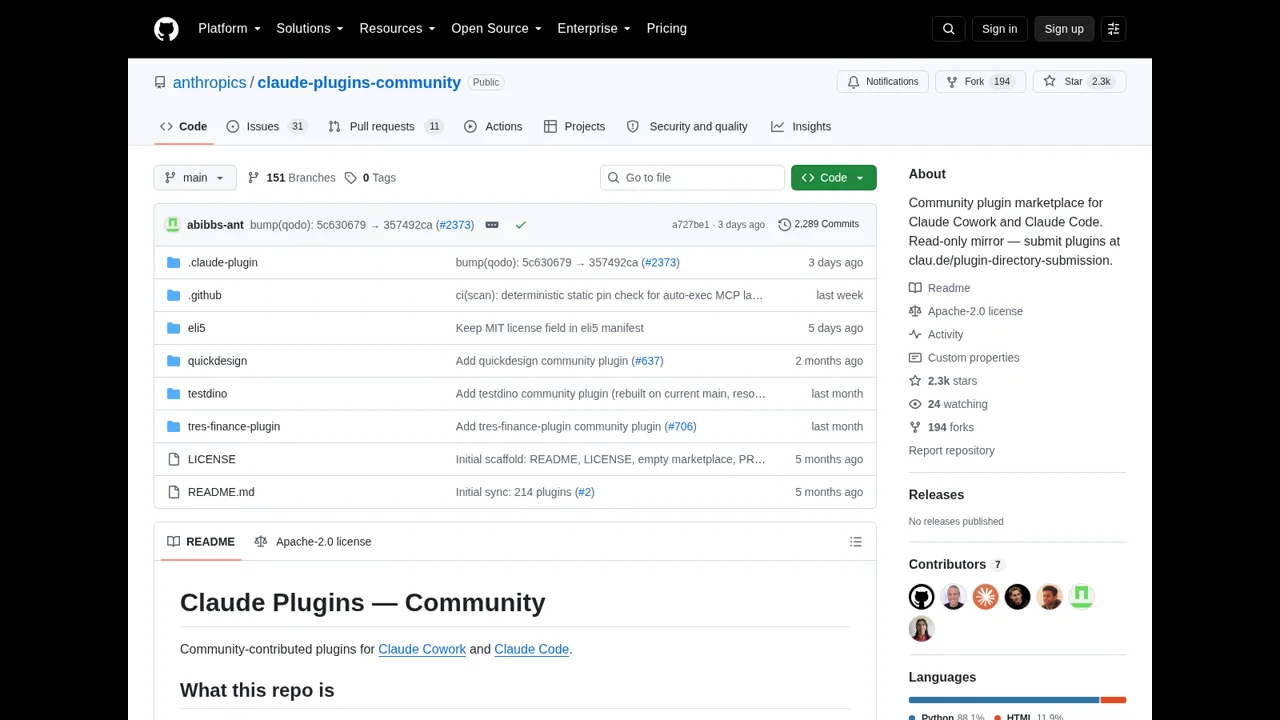
What a Skill actually is (without the marketing)
Beginners get the most confused at the conceptual layer. The clearest comment we found came from someone who tried to map Skills to other ecosystem pieces:
"Plugins include: Commands, MCPs, Subagents. Now, Skills. Marketplaces aggregate plugins."
And the simplest description came from a builder admitting the system is just files:
"Can you be more specific? The simple case seems to be solved, eg if I have an MCP for foo enabled and then ask about a list of foo, Claude will go and call the list function on foo."
The takeaway: a Skill is a folder of files that Claude reads. It is not a plugin, an API, or a tool. It's a documented routine.
The three beginner traps
From the same 913-comment thread, three failure modes show up again and again:
- Installing too many — beginners clone 10+ Skills at once and the context window melts. Start with two.
- Expecting deterministic behavior — Skills are still markdown in context. As one dev put it: "I've had trouble getting LLMs to follow specific workflows 100% consistently without skipping steps." (asdev, HN)
- Confusing Skills with CLAUDE.md — they overlap heavily. CLAUDE.md is your project memory; Skills are reusable packages you can move between projects. The community calls this out: "a problem with huge codebases is that CLAUDE.md files become bloated with niche workflows." (jampa, HN)
The five starter Skills (in this order)
- Spec / test loop skill — make Claude write a test first, run it, fix the code. The single most cited "I get hours back" Skill in the threads.
- Git safety skill — the destructive-command guard. The community mentions it because it's also the closest to a "real" safety net.
- Code review skill — a checklist Claude runs on every PR. Works because it's deterministic enough to feel useful, soft enough to allow judgment.
- Long-doc summarization skill — instructions for "summarize this in 5 bullets + 3 open questions." Especially useful in agent loops.
- Workflow commit skill — your team's specific commit message format, branch naming, etc. The most "boring" Skill on this list; the highest reuse.
Install two at a time. Run them for a week. Add a third only if you've actually used the second.
The honest verdict
Start with Skills if:
You live in Claude Code daily and have repeated routines that re-explain themselves every session. Two well-chosen Skills give you more leverage than ten random ones.
Skip Skills for now if:
You use Claude Code occasionally and a tight CLAUDE.md covers 90% of your cases. Skills are an upgrade, not a prerequisite — and the wrong time to install them is on day one.
The only thing that would change my mind:
A reliable "skill accuracy guarantee" — a way to declare hard requirements on workflow steps and have Claude actually follow them deterministically. Until then, treat Skills like the helpful intern that occasionally needs reminding.
Full Claude Skills review → Skills vs MCP →
Method: 913 HN comments read across the three largest Claude Skills threads (Oct 2025 – Aug 2026), categorized 2026-08-28. Quotes verbatim with links. We don't take payments from vendors.