Offline AI meeting notes are finally free — and the recording light is off
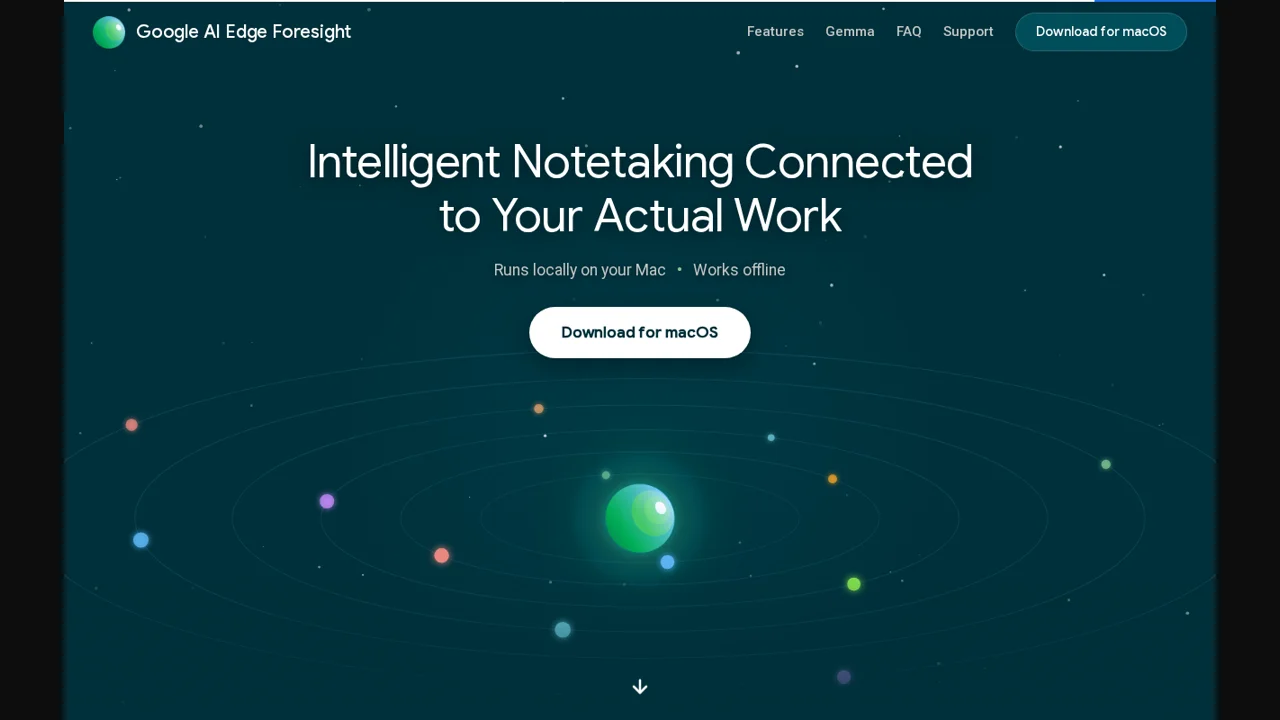
Google's AI Edge team shipped Foresight earlier this month: a free Mac app that listens to your meetings, turns your scribbles into notes, and does all of it on the laptop. No cloud, no minutes, no limit. It is the cleanest answer yet to the question every note-taker user asks eventually — where does my meeting audio actually go — and it quietly hands you a problem the cloud apps never had: nothing on your screen tells the other people they are being transcribed.
The short version
- What it is: a free macOS notetaker from Google's AI Edge team, built on EmbeddingGemma 2 (740 million parameters, Apache 2.0) with a Gemma 4 assistant for chat, running entirely on-device.
- What it costs: nothing. Granola's paid tier is $14 per user per month, Otter's is $8.33 on annual billing, Fireflies' $10 per seat on annual billing — all read off their own pricing pages today.
- The catch: macOS on Apple Silicon only. No Windows, no Linux, no sync story, and Google has not said when any of that changes.
- The real catch: it captures system audio instead of joining the call as a bot. Handy in a 1:1, and exactly the setup that made a Hacker News commenter uncomfortable about recording colleagues without consent.
- Bottom line: install it if you are on an M-series Mac and your meetings are the kind you would rather not park in someone else's datacentre. Do not install it and then forget that consent law did not change just because the processing is local.
What Foresight actually does
It listens in the background while you are in a video call or sitting in a room with people, and you scribble shorthand bullets instead of trying to type everything. The transcription runs underneath, and the shorthand gets expanded into full notes against that transcript. You can read the raw transcript, or ask a chat assistant questions about what was said. Google's documentation also lets you point the app at project folders, reference material, diagrams and your calendar, so answers can come from your files and not just the meeting. Supported inputs include PDFs, Google Docs, Microsoft Office formats, plain text, Markdown and web bookmarks, from local storage or Google Drive.
The machinery is the interesting part, because it explains why this is free. Foresight is a showcase for EmbeddingGemma 2, a 740-million-parameter multimodal model built on the Gemma 4 architecture and released under Apache 2.0. With quantisation it needs as little as about 191MB of active RAM for the text-only weights and about 567MB for the full multimodal model, numbers Google quoted for a Pixel 11 Pro. Nothing here is frontier-class, and that is the point: a 740M model can find things and sort things, it cannot write like Opus or Astra, and it does not cost Google a cent per meeting to run.
Foresight is the third Mac app in this family, after AI Edge Gallery and AI Edge Eloquent, the offline transcription tool. In April this year the same team put out an experimental local dictation app for iOS. Reading that sequence, the honest description of Foresight is a technology demo with a download button — The Verge called it an experimental app, and Google has not published a single usage number, latency figure or transcription-accuracy claim for it.
Today's prices, from the vendors themselves
We read all four pricing pages on October 12, 2026. Annual-billing discounts are noted where the vendor shows them first, because that is what most of these pages quote at the top.
| Tool | Free tier | Paid tier | Cloud needed? |
|---|---|---|---|
| Google Foresight | Free app, Apple Silicon Mac | — | No. Works offline |
| Granola | Basic $0, 30 days of meeting history | Business $14 per user/month; Enterprise $35 | Yes, with bot-free device-audio capture |
| Otter.ai | Basic $0, 300 transcription minutes/month | Pro $8.33 per user/month billed annually; Business $19.99 | Yes, can join the meeting |
| Fireflies.ai | Free, unlimited transcription, 400 minutes storage | Pro $10 per seat/month billed annually ($18 monthly); Business $19 ($29 monthly); Enterprise $39 annual only | Yes, bot plus a bot-free Chrome option |
Two things stand out when you put them side by side. First, Foresight undercuts everything, because Google is not selling it — there is no storage cost, no whisper model bill, and no reason to meter it. Second, the free tiers above are not really free: Granola's caps your history at 30 days, Otter's at 300 minutes a month, and both of those limits exist because those companies pay for compute every time you talk.
The market around it is churning. In the last few months Wispr and Calendly both shipped note-takers, and Superhuman — the company formerly called Grammarly — acquired the YC-backed note-taker Fathom last month. When a category gets this crowded this fast, the free tier becomes the marketing, and Google just made the free tier unlimited and offline.
The claim that matters is narrower than it sounds
Google's line, as quoted by The Verge, is that your "files, meeting audio, and notes never leave your computer." Within the app that is a real architectural difference and not a privacy policy: there is no server to leak, no retention setting to misconfigure, no employee with support access to your 1:1. If your concern is your data, the local model is the strongest answer on the market today.
It says nothing about the other people in the room, and this is where the marketing quietly changes shape. Foresight takes audio from the system, the way Granola does and the way the bot-joins-the-call apps do not. That means the meeting does not show a participant called "Notetaker", and it means an in-person conversation gets transcribed off the laptop microphone. Cloud notetakers have spent years being asked about consent; they at least have the defence that everybody can see the bot. Local capture removes the visible signal and keeps the recording.
"While at Amazon, during the 'everyone needs to be using AI in every way' push, one of my teammates was proud to present that he had figured out how to split the audio on his mac to record the meeting (because our meeting software didn't allow for recordings without consent) and fed this into speech-to-text and generated notes."
valbaca, Hacker News
That comment is from August, about a homemade setup, and it reads like exactly the workaround Foresight productises. Two other threads on the same site show the two halves of the legal picture: one commenter quotes the Massachusetts wiretap statute's definition of interception — "to secretly hear, secretly record, or aid another to secretly hear or secretly record" — while arguing about whether short-lived processing counts, and another notes that two-party-consent states differ from one-party ones. We are not lawyers and this is not legal advice, but the practical version is simple enough: check your jurisdiction, and if you are in a two-party-consent state or recording a sensitive conversation, say out loud that you are transcribing. Nothing about local processing changes that duty, and a tool that leaves no trace in the meeting makes saying it more important, not less.
What people ask for is not what the cloud sells
The user signal for this category is remarkably consistent, and it is not about features. On a September thread about a competing notetaker, the first reaction was worry about exactly the thing Foresight fixes:
"I have been concerned if my 1:1 meeting note via Granola can be leaked."
hiro-v, Hacker News
Under a story about Apple being surprised by demand for Mac minis and Mac Studios, one developer made the case in one line and then shipped his own tool:
"Right now sweet spot is voice transcription. Meeting recording apps are genuinely better locally than in cloud. Can run on an M1 easily. Latency matters. I built Biscotti and see zero reason to use cloud ever again."
scosman, Hacker News
The free-and-local wave is not only Google. On October 11 a free open-source Mac dictation app called BetterWispr hit 197 points on Hacker News, and the first thing a commenter did was point at Foresight for people who want something maintained:
"Isn't that what Google just released although it is mac only for the moment."
prash20026, Hacker News
Same pattern one layer down the stack: commenters on an August thread about /e/OS's voice-to-text describe the feature being moved from a premium online service that streamed speech to a third party into a free, on-device one, quoting the project's own documentation. Different platform, same direction of travel.
The silence on Hacker News is the tell
Three submissions of the Foresight page went up in the week after launch, on October 7, 8 and 10. Together they collected 14 points and zero comments. The tech press covered it — TechCrunch on October 8, The Verge and 9to5Google around the same time, CNET and a shelf of aggregators after them, plus traditional-Chinese, Japanese and Korean coverage — and the audience that argues about AI tools all day did not. That is the same shape as Google's Pics launch last month, and it has the same cause: nothing you can argue with, no benchmark, no price, no controversy, so nobody posts. For you it means the "is it any good" answer does not exist yet. There is no review to read because there is no reviewer with six months on the tool.
Who should install it, who should not
- Apple Silicon Mac, meetings you would rather not upload: install it. It is free, it is offline, and the shorthand-to-notes flow is the part of Granola people actually pay for.
- Two-party-consent jurisdiction, or any meeting with people outside your company: install it and then tell them. The app will not do it for you.
- On Windows or Linux: nothing to do. Google has announced no port and CNET could not get an answer from the company about one.
- Need CRM push, team analytics, shared folders, an admin console: not this. Foresight is a personal Mac app; Granola Business at $14 or Fireflies Business at $19 is where those features live, and that is what you are paying for.
- Want the best possible summary quality: the cloud apps still use bigger models. A 740M on-device model is the reason this one is free, and the reason it is not the most accurate notetaker you can buy.
- Already paying for Otter or Fireflies and happy: do not churn for the sake of it. Run Foresight next to your current tool for a fortnight on the meetings that are actually sensitive, then decide with two transcripts in front of you.
What we still do not know
- Accuracy. Google has published no word error rate, no speaker-diarisation claim and no language list for Foresight. The press coverage repeats the feature list; nobody has posted a measured test.
- Battery and heat. Continuous on-device transcription on a laptop is not free in watts. No reviewer has published numbers yet, and Google has not either.
- Where the audio lives on disk. "Never leaves your computer" is a network claim. It does not tell you whether recordings are encrypted at rest, or how long they are kept. Google's FAQ does not say.
- Whether Drive support is a hole. Pointing the app at Google Drive is optional, but if you use it, your knowledge base is sourced from a cloud folder while the meeting itself stays local. Still not a leak. Just not a walled garden either.
- Whether Google keeps it. This is a model showcase from the AI Edge team, and Google is entitled to stop shipping it. No paid alternative has ever had that risk, which is the trade you make for free.
Sources
- Google — Google AI Edge Foresight (read Oct 12, 2026)
- TechCrunch — Google releases a new local-first Granola competitor (Oct 8, 2026)
- The Verge — Google's AI note-taking app transcribes your meetings completely offline (Oct 8, 2026)
- 9to5Google — Foresight for Mac turns scribbles into full notes using offline recordings (Oct 6, 2026)
- CNET — Google's new AI notetaker keeps things local and private
- Granola pricing (read Oct 12, 2026) · Otter.ai pricing (read Oct 12, 2026) · Fireflies.ai pricing (read Oct 12, 2026)
- Hacker News — Foresight submissions 49998314, 50005825, 50036318 (14 points, 0 comments combined)
- Quote links: valbaca · hiro-v · scosman · prash20026 · BetterWispr launch thread